
Consumer Technology
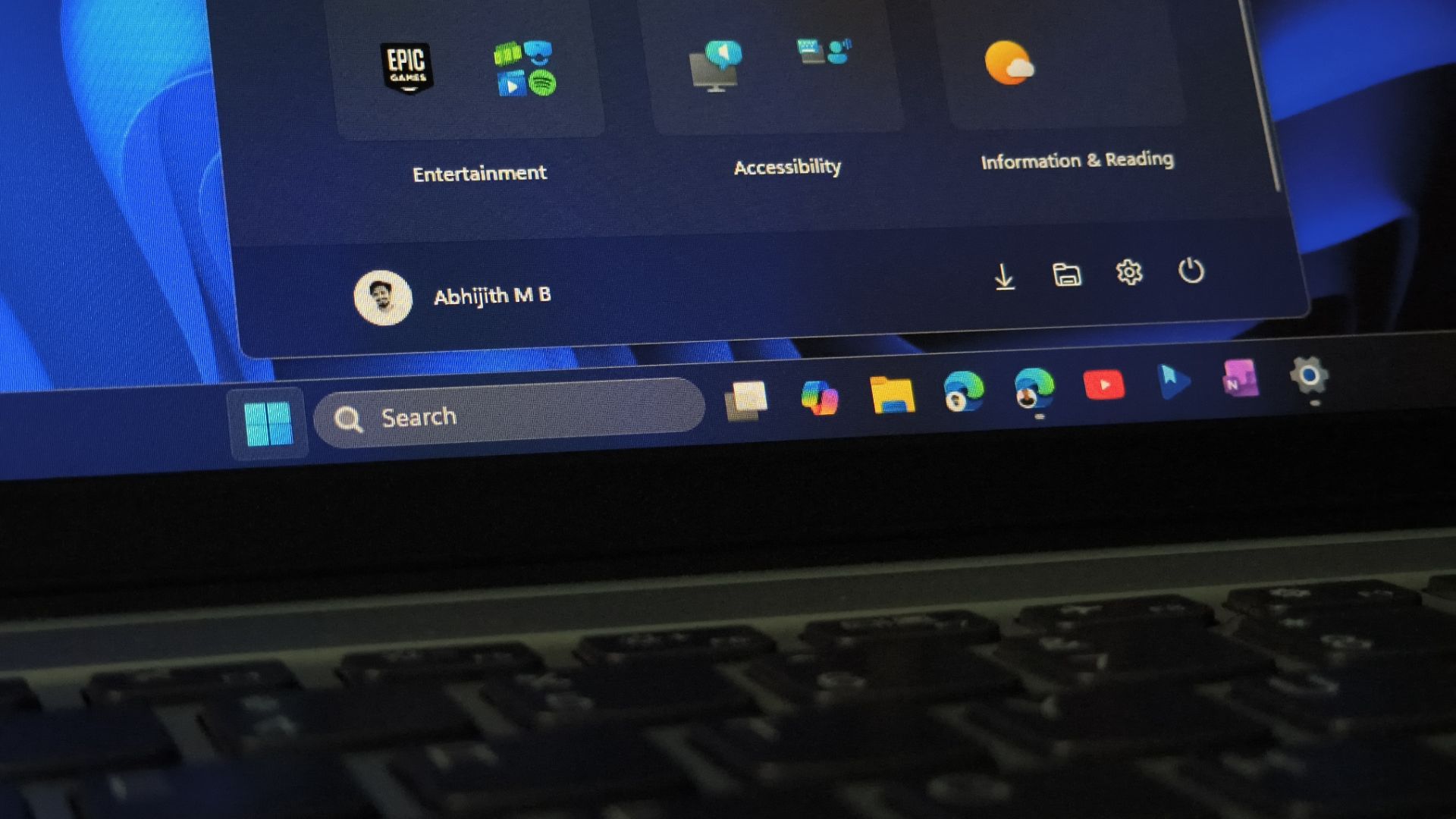
Windows 11 users were right about the giant Start menu, and Microsoft now lets you shrink it using these steps - Windows Latest
What the report says
Here's how to shrink the giant Windows 11 Start menu and hide unwanted sections using the August 2026 optional update and ViVeTool commands.
Loading debate for this article…
Other publishers covering this story
No additional verified coverage is currently clustered with this report.
Related reporting
 Tracy Melon calls for removal of AI versions of artistes’ songsSqoop Uganda
 Al‑Qaida and the Islamic State are both adopting AIThe Independent Uganda
 Apple Event 2026 Live: The First Foldable iPhone, iPhone 18 Pro, Apple Watch 12 and More - CNETCNET
 Major Persona 6 Spoilers May Have Just Leaked In A Crazy Way - KotakuKotaku
 Zelda: Master Collection Trading Cards Are On The Way - Nintendo LifeNintendo Life
 Xbox’s Disc‑to‑Digital program just got a major boost as Ubisoft signs on with more publishers expected soon - Windows CentralWindows Central